Does my Mac have to stay on? +
Yes. Beacon reaches the session running on your Mac, so it needs to be awake and online. Launch at Login is on by default so it stays reachable.
Can you see my code or sessions? +
No. Everything between your phone and Mac is end-to-end encrypted, and the relay only forwards sealed bytes it can't open.
Which Macs are supported? +
Any Mac on macOS 13 (Ventura) or later — a universal build for both Apple Silicon and Intel.
Which AI agents can I run? +
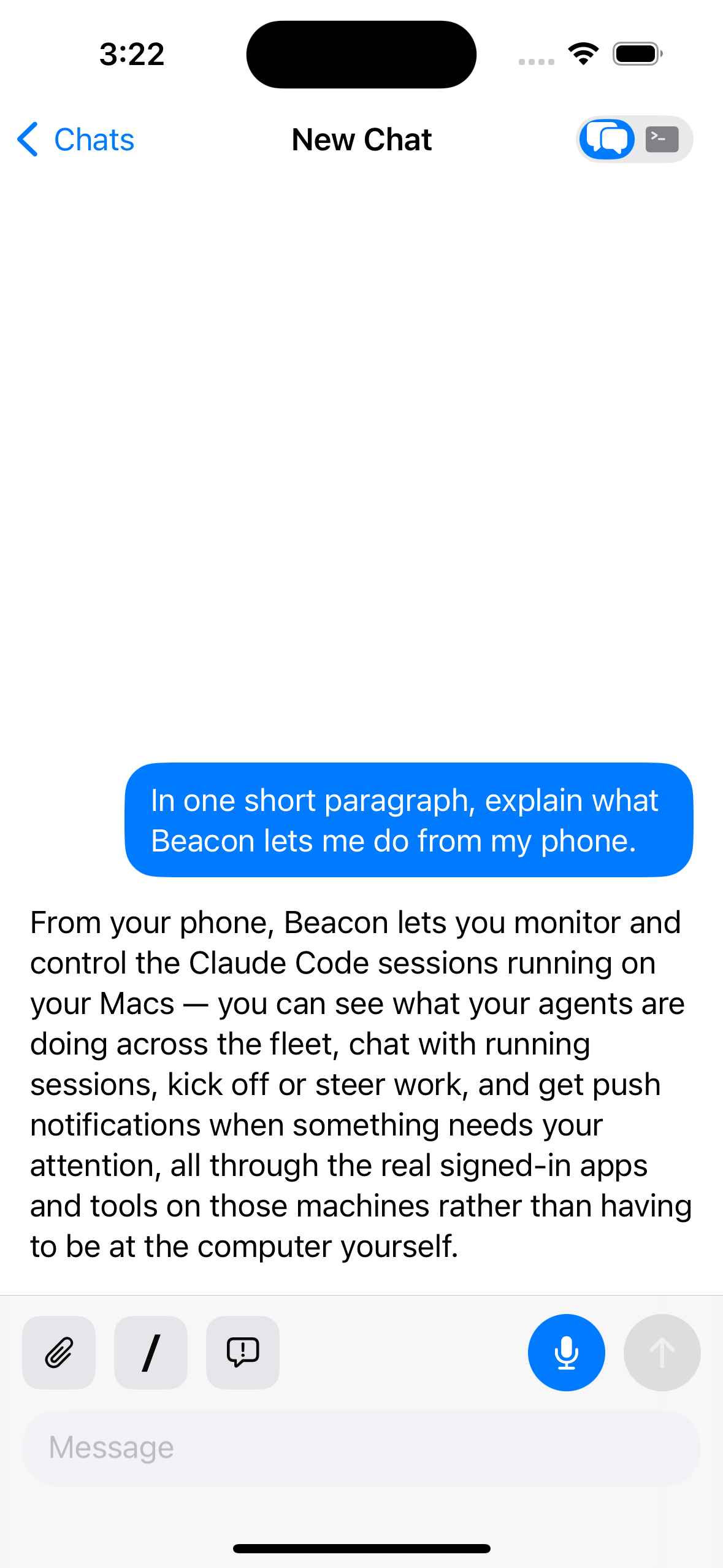
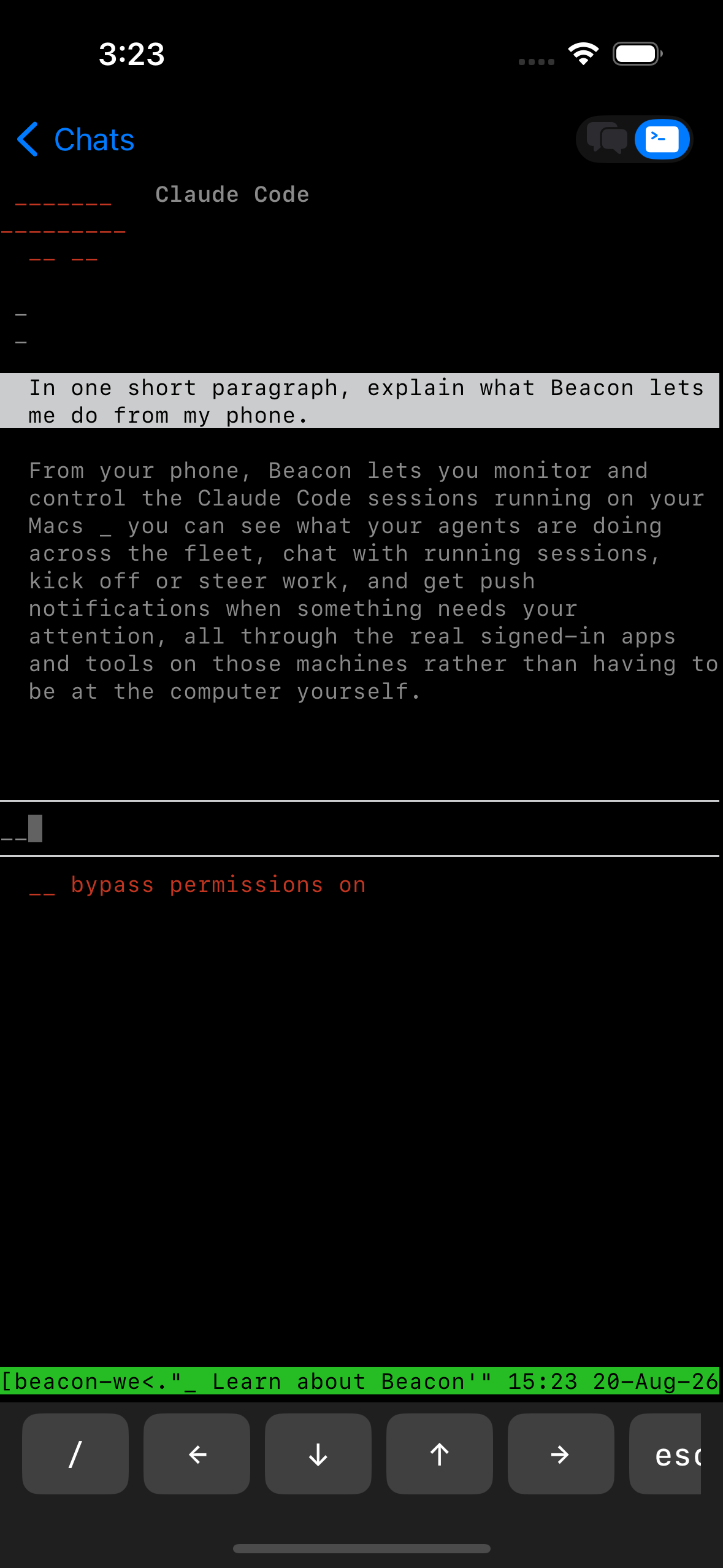
Any of them. Beacon mirrors your Mac's real terminal, so it runs whatever you'd run there — Claude Code, Codex, your own scripts — one at a time or both at once. You're never tied to a single provider.
Can I start a session from my phone? +
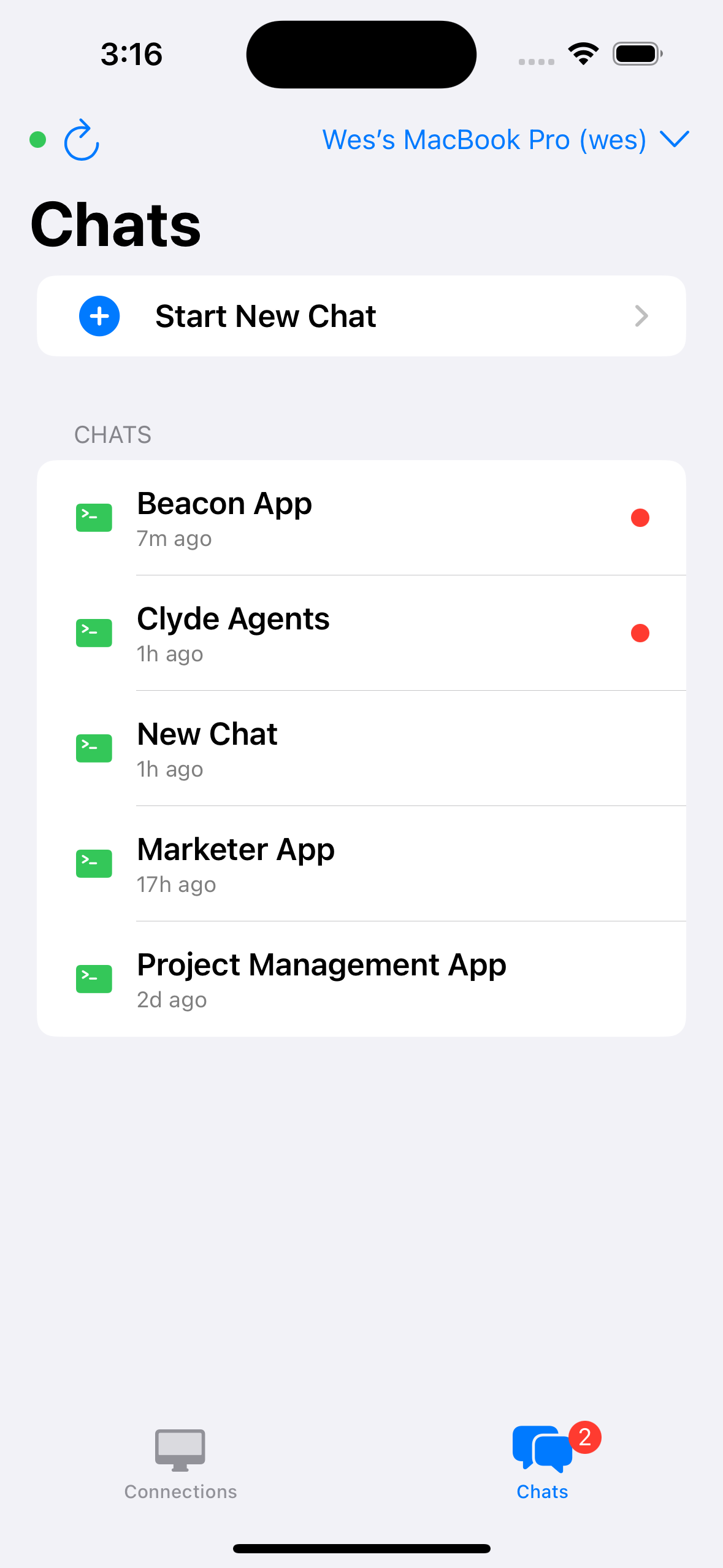
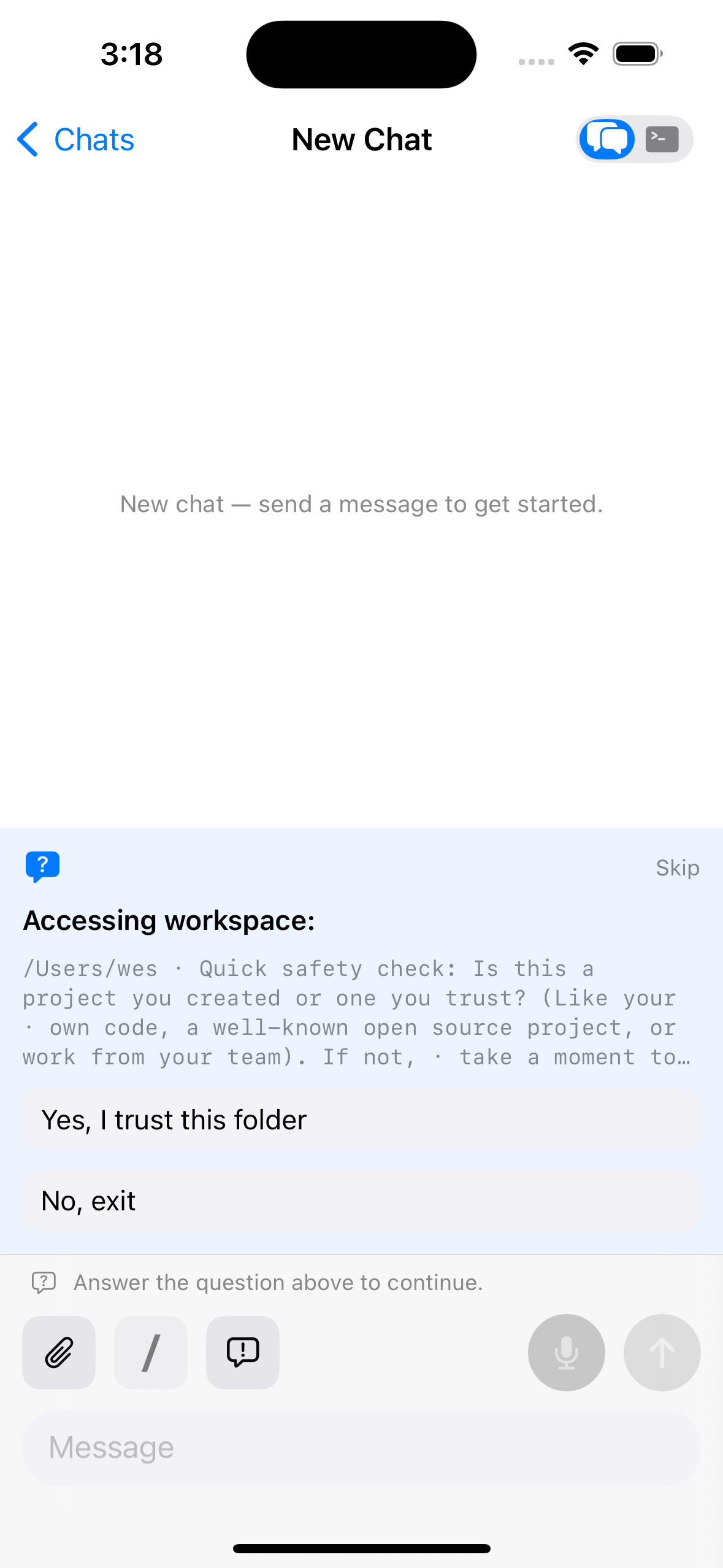
Yes. Once paired, you can spin up a brand-new session from your phone — no need to be at your Mac or to have anything running there first.
How do I get the iPhone app? +
It's the free companion to Beacon for Mac. Grab it from TestFlight — install the Beacon iPhone app — then install Beacon on your Mac, click Pair a Phone, and scan the QR.
Where's the download? +
It's unlocked at checkout — subscribe and your macOS download plus license key are delivered instantly by email.
How do I cancel? +
Anytime, from the Stripe billing portal linked in your receipt. Access runs to the end of the period you've paid for.